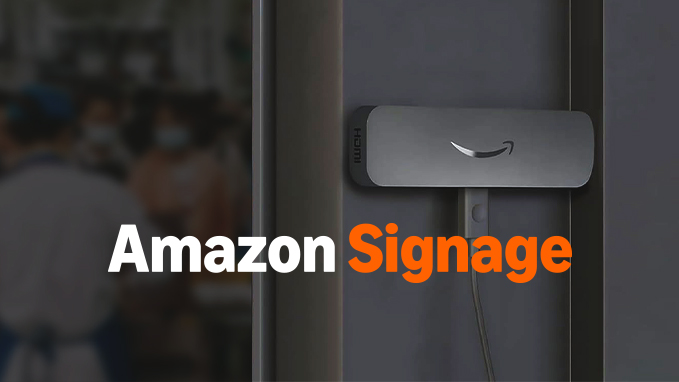
Menu boards, promotions, and welcome screens - set up in minutes with an Amazon Signage Stick, managed from your phone. Wally, your AI marketing assistant, keeps every screen fresh. You just approve.
Tuesday Treat
20% off all pastries
Today 2–5 PM · Scan to get the offer
One platform for every screen in your store - designed once, kept fresh by Wally.
Dayparted menus that switch from breakfast to lunch to dinner on their own.
Slow-hour deals and seasonal offers, designed and scheduled with Wally's help.
Greet customers with your brand, your hours, and what's new this week.
Different content by time of day. Plan it once - it runs itself.
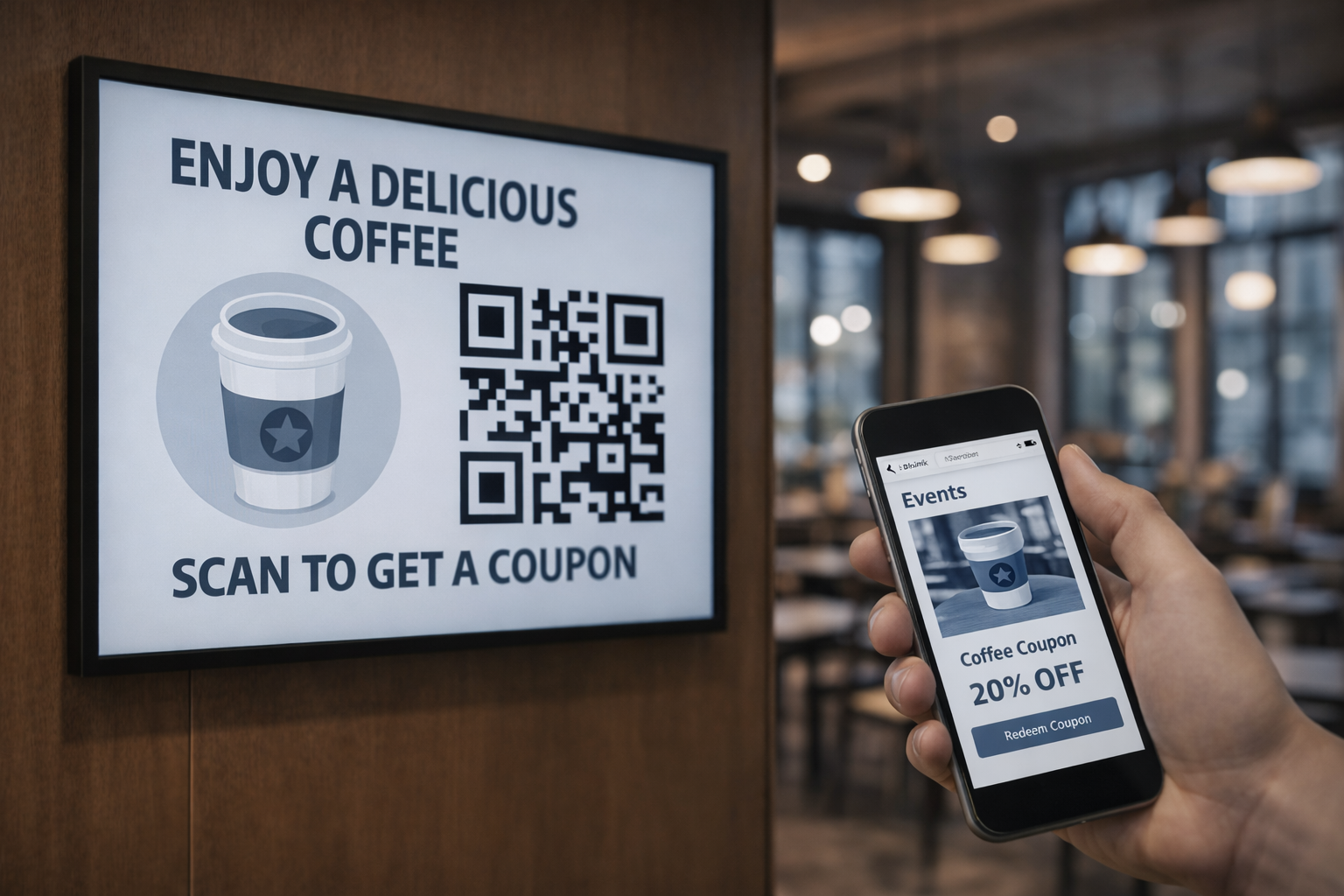
Let viewers scan to leave a Google review or claim an offer, right from the display.
Explore QRLink →Preview, approve, and push updates to every screen from anywhere.
Your displays don't just advertise - they convert. Put a QR code on any layout and viewers can scan to claim an offer or leave a review, right from the screen.
See how QRLink worksThe easiest way to run QRSign: plug the Stick into the HDMI port of any TV and it plays out of the box. Wally walks you through setup, screen by screen - no technician visit.
Installation just got easier with the purpose-built Amazon Signage Stick. With the secure, plug-n-play design and seamless integration with QRSign, it is a powerful and affordable media player to deploy digital signage at your own scale and pace.
Three steps. No tech skills needed.
Amazon Signage Stick + any TV
Step by step, in plain words
Fresh and on schedule
Connect the Amazon Signage Stick to the HDMI port of any TV. Wally guides setup on each screen.
Menus, offers, welcome screens. Describe it in plain words; Wally drafts the layouts.
Nothing goes live without your tap. Ask Wally for seasonal refreshes and slow-hour promos to keep screens selling.
Wally drafts your promotions and keeps content fresh across every screen - you approve everything before it goes live. Free with every plan.
"Weekend brunch promo - 20% off pastries, Sat–Sun 9–12." Laid out for your lobby screen.
Wally drafted · just nowNothing goes live until you say so.
✓ Playing on 2 screens
Only because you approved itFree with Explorer, Professional, and Business. Pick the size that fits your business - upgrade when you grow.
Wally is included in every plan - the plan just sets your capacity: pages, screens, storage, and users.
No credit card required to start · Cancel anytime
Your screens get attention. QRLink turns it into reviews and repeat visits.
Add Wally in minutes. It'll introduce itself, learn your business, and keep your displays selling - free with every plan.
Add Wally - freeFree plan · No credit card required · Cancel anytime